Project: Museum Minecraft: Rocks & Minerals


- Category
- Classroom/At Home Activity
- Duration
-
10+ hours
- Audience
- Educators, Students
- Age
-
8+
- Grade
- 4
- Subjects
- General, Indigenous, Science, Science & Technology
About this resource
Harness the intrinsic motivation of Minecraft Education to take your class on an immersive journey through a world of rocks and minerals.

In Museum Minecraft: Rocks and Minerals, your students are tasked with helping real scientists at ROM learn more about igneous, sedimentary, and metamorphic rocks at three different research sites. At each research site, students will talk to the in-game avatars of scientists to learn about rocks and minerals through video interviews with scientists at ROM and stunning images from ROM’s collections.
Along the way, they will encounter obstacles to be overcome using Minecraft’s built-in MakeCode coding platform, encouraging the development of computational thinking and problem-solving skills that can be differentiated for a variety of experience levels.
Once they have explored all three research sites, students will apply what they have learned by building a museum of rocks and minerals to teach others what they have learned.
Supported by robust Teacher and Student support sites, this program leverages the intrinsic motivational learning power of one of your students’ favourite game platforms to immerse students in an engaging world of rocks and minerals that will have them using the scientific names of rocks just like the scientists at ROM.
To get started, review the program structure on the Teacher Support Site.
Learning Goals
Understand the difference between rocks and minerals
Describe the properties of igneous, sedimentary, and metamorphic rocks
Explain how fossils help document the history of our planet
Explore Indigenous uses of rocks and minerals
Use sequential, concurrent, and nested code to solve problems
Understand the benefits and costs of the extraction and use of rocks and minerals in our daily lives
Highlights


Curriculum Connections
Science
- Earth and Space Systems - Rocks, Minerals, and Geological Processes
- STEM Skills and Connections - Coding and Emerging Technologies
Mathematics
- Algebra - Coding, Mathematical Modelling
Language Support
While we work on the official translations for the Museum Minecraft worlds, you can use this video to learn how to change the Game Language and Coding Language, as well as how to auto-translate any in-game dialogue, boards, or books using the Immersive Reader.
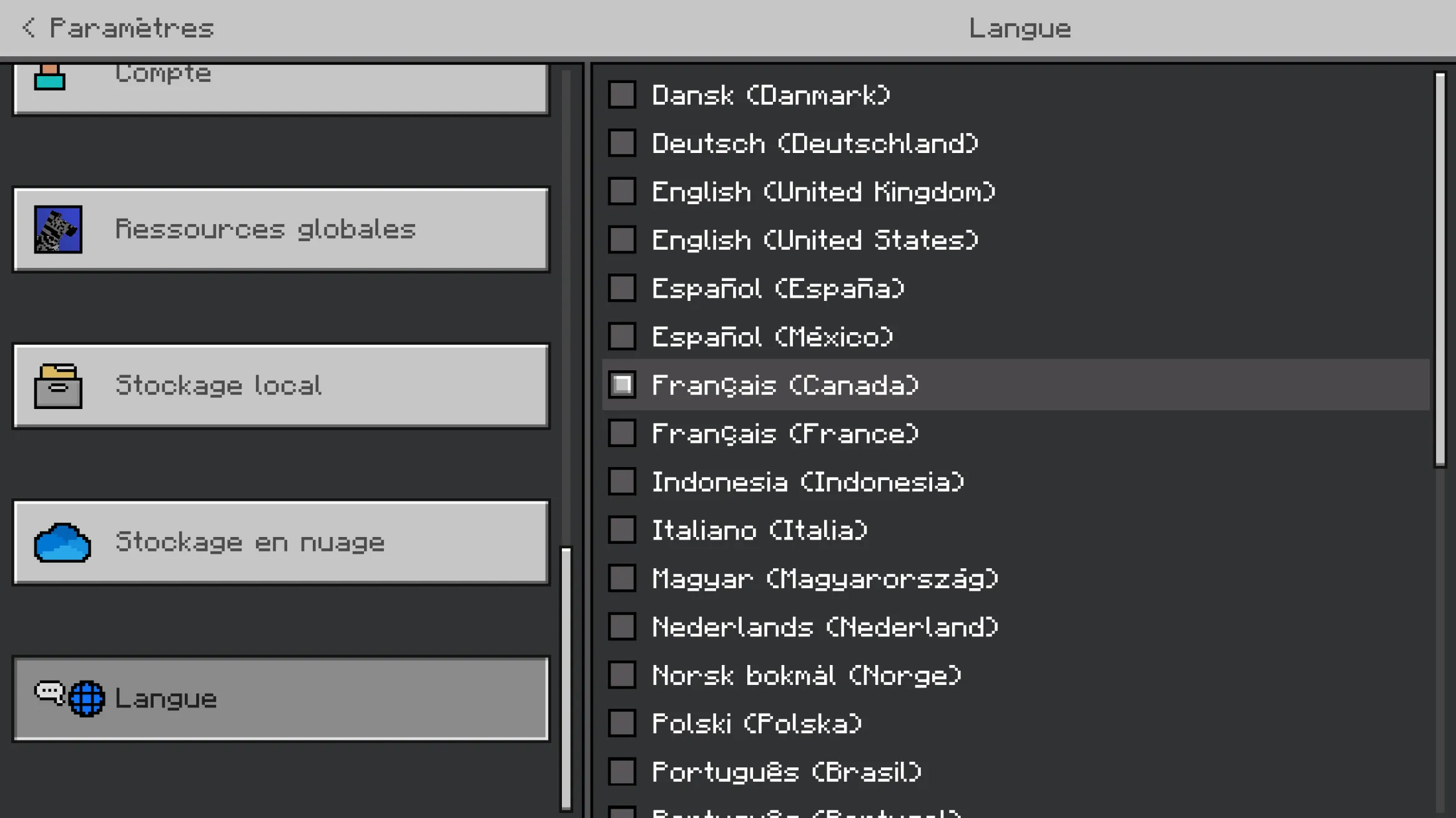
Minecraft Education Support - Immersive Reader and Game Language
Preparation
Preparation:
- Students should be comfortable with the basics of Minecraft, including movement and the breaking and placing of blocks.
New to Minecraft?
We recommend that students are familiar with the basic Minecraft controls taught in the How to Play tutorials in the Minecraft Lesson Library, particularly:
- How to Play: Movement (Keyboard and Mouse / Touchscreen)
- How to Play: Break and Place (Keyboard and Mouse / Touchscreen)
You can also check out our New to Minecraft section on our Minecraft Program Support site.
Requirements
Class set of devices with Minecraft Education installed.
Minecraft Licenses are not provided by ROM. They must be provided by your school or board, or through the Camps and Clubs program for homeschool or other educators.
Ensure that https://joinmyquiz.com and https://wayground.com/join are accessible from student devices and whitelisted if necessary before the date of your program.
Lesson Supports
- Teacher Support Site - Includes walkthrough, troubleshooting, and solutions
- Student site – Includes challenge hints and the Science of Minecraft content
- Minecraft 101 for Teachers – Play-along How-to-Play lesson for teachers
- Teacher Coding Camp – Play-along Coding lesson for teachers
Related activities